How to disable Chrome's URL bar autosuggestions
- Published at
- Updated at
- Reading time
- 1min
Firefox is my primary browser, but I switch to Chrome at work because we're relying heavily on Google Slides and Docs. That's why I spend a lot of time looking for files, and I leverage Chrome's URL bar to find them with their filename.
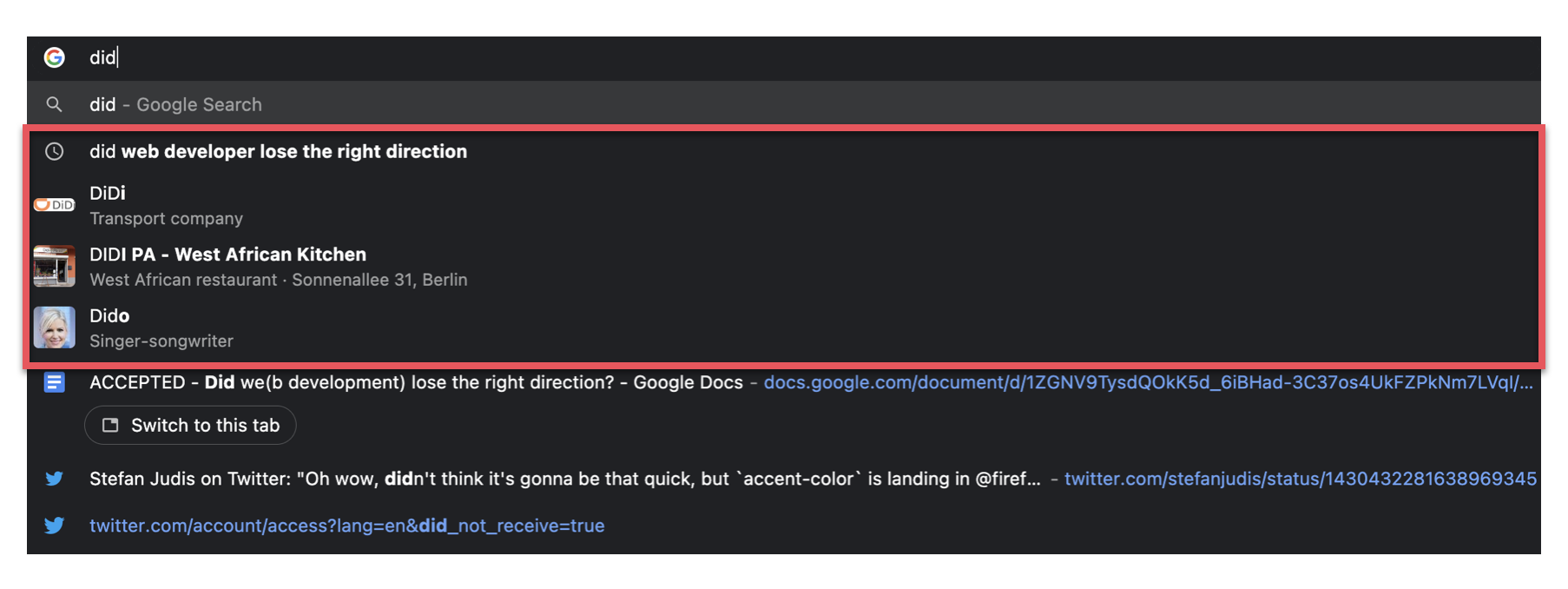
Chrome's URL bar suggestions include previously opened URLs and files (great 👍), but also search query suggestions and links to "related and useful" sites (not so great 👎). These smart suggestions are just in my way, and I tried to figure out how to disable them after an unsuccessful Google search.
Thanks to Leif, I now know that the "turn off autosuggestions" setting is buried in the sync section (chrome://settings/syncSetup).
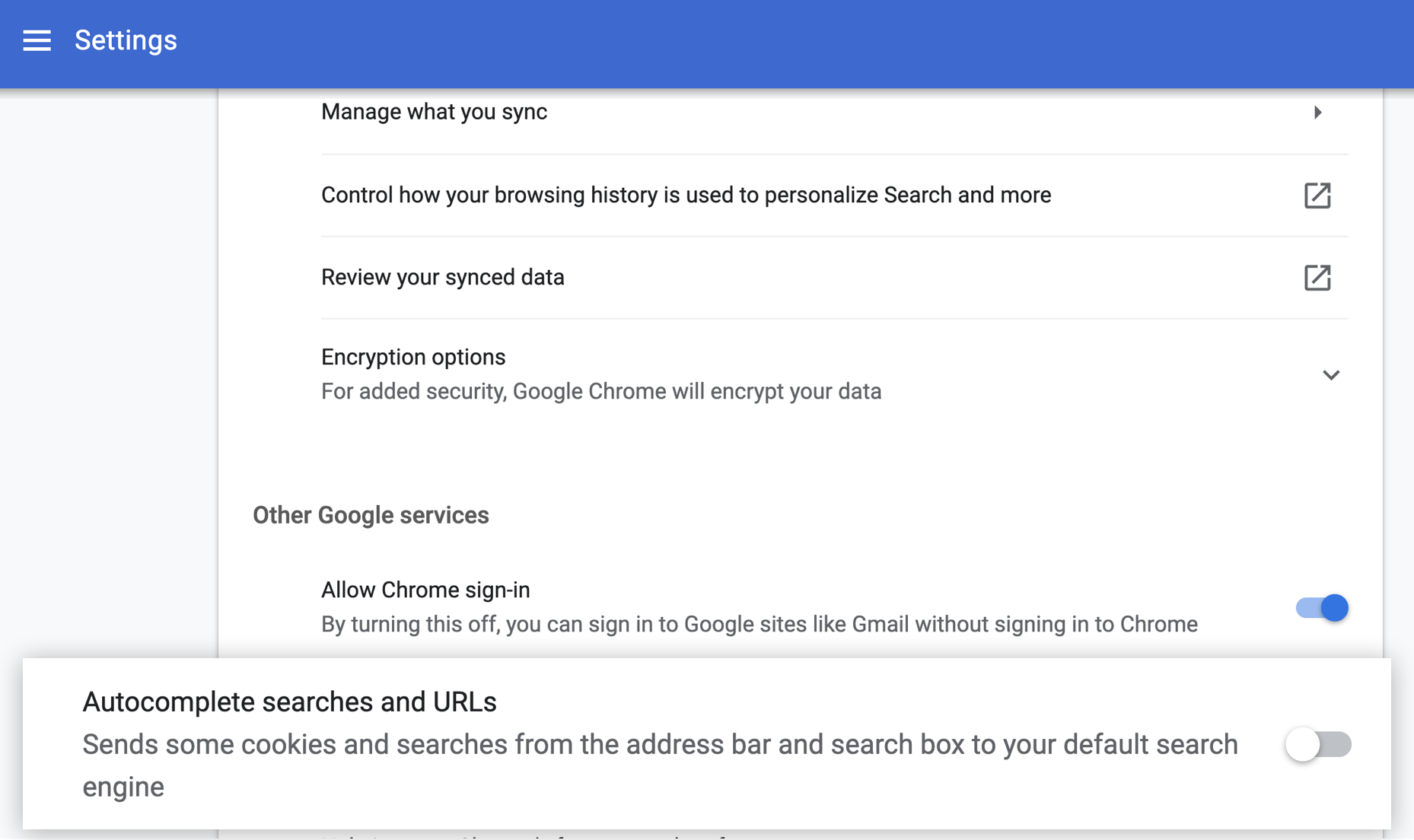
And now look at that. 👇 Much better! 🎉

Join 6.4k readers and learn something new every week with Web Weekly.

Frontend nerd with over ten years of experience, freelance dev, "Today I Learned" blogger, conference speaker, and Open Source maintainer.